
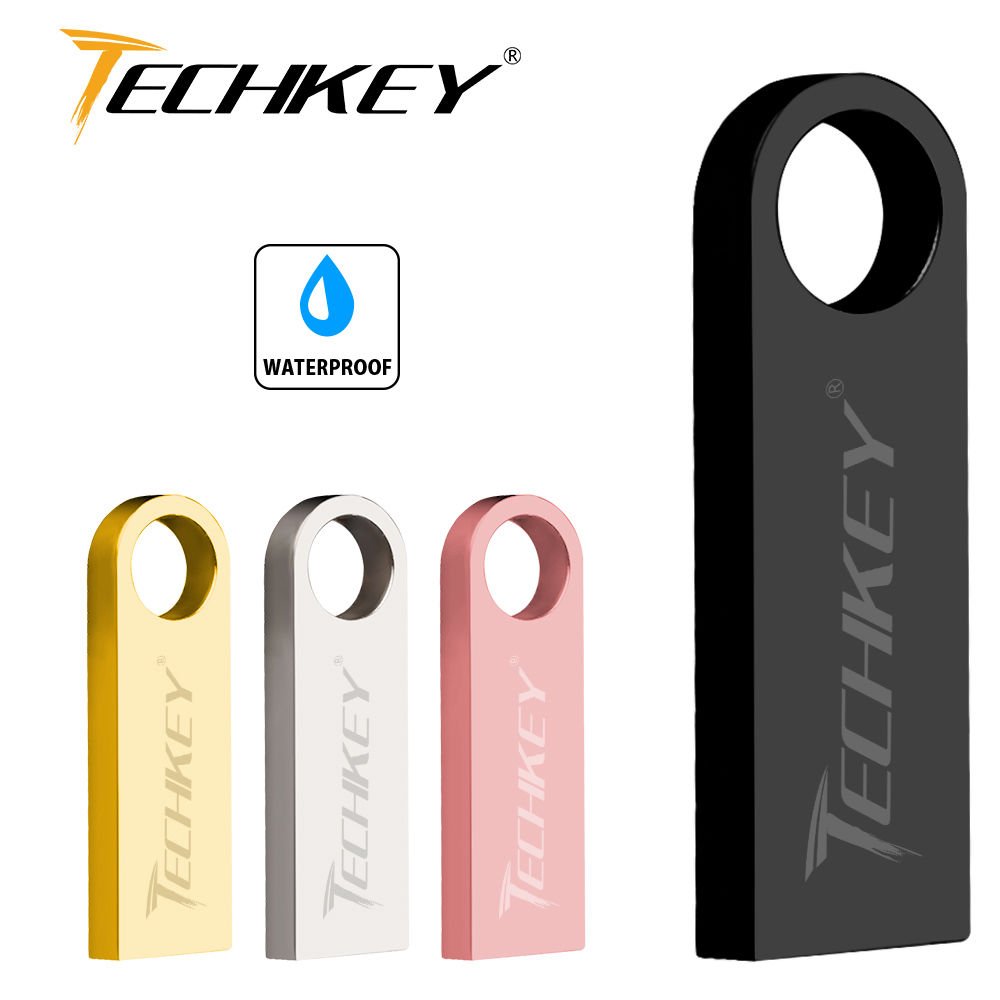

TECHKEY usb flash drive 64GB 32GB 16GB 8G 4G pen drive pendrive флешка wat
SPECIFICATIONS
Brand Name: TECHKEY
Capacity: 4GB,8GB,16GB,32GB,64GB,128GB
Certification: NONE
Color: black, silver, rose gold, gold
Compatible product 2: Car
Compatible product 3: TV television
Compatible product 4: Laptop/computer
Encryption: No
High-concerned chemical: None
Interface Type: USB 2.0
Material: Metal
Model Number: pen drive
Origin: Mainland China
Package: Yes
Product Type: Flash Disk
style1: usb flash drive
style2: usb
style3: usb 2.0
style4: pen drive
style5: pendrive
style6: usb stick
style7: memory usb stick
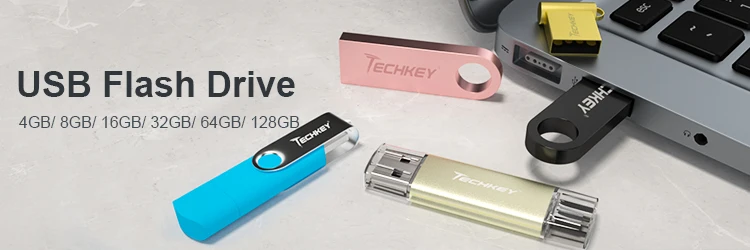
new TECHKEY usb flash drive 64GB 32GB 16GB 8GB 4GB pen drive pendrive waterproof metal silver u disk memoria cel usb stck gift
Specifications :
Interface: USB 2.0
Read Speed: 8MB -15MB/second
Write Speed: 4MB -6MB/second
Power: No external power required
Compatibility For Macs and PCs
About Capacity :Due to different ways of computing, or the existing bad block, or some built-in software , the memory capacity of the usb flash drive may show less on the PC . And the more capacity is, the more deviation is.Storage Industry Area calculation method:1GB=1000MB=1000*1000KB=1000*1000*1000BOperation System calculation method:1GB=1024MB=1024*1024KB=1024*1024*1024B4GB=approx 3.5GB - 3.7GB8GB=approx 7.4GB - 7.6GB16GB=approx 14.0GB - 15GB32GB=approx 28.0GB - 30GB64GB=approx 58.0GB - 60GB128GB=approx 110.0GB - 120GBCustomer Logo :1.Order over 50 PCS,no printing fee required2.Order more than 20PCS , less than 50 pcs , we charge $2 printing fee.3.It should be noted that our logo is laser printed and has no color.If you need a custom logo, please contact our customer service.Note :1. To avoid data loss or mechanical damage, do not turn off the computer power during transmission.2. Do not remove the USB flash drive during use, otherwise data may be lost.3. After using a USB flash drive, it is best to safely eject the USB flash drive on your computer, which will help to extend its storage life.4. Please use FAT32 or exFAT to format the memory